Say last month’s bank statement is 47 lines long. You know you spent too much on food delivery, but you aren’t sure how much. Budgets usually fail at the setup, when you are typing every purchase into a spreadsheet by hand.
Let AI do the sorting
Download your statement from your bank’s website as a CSV file. Then upload it to a free AI tool and type:
Sort these transactions into categories: housing, groceries, dining out, transportation, subscriptions, shopping and other. Show me the total for each category and what percentage of my spending it is.
In a few minutes you can see where your money went, with real numbers in place of a guess.
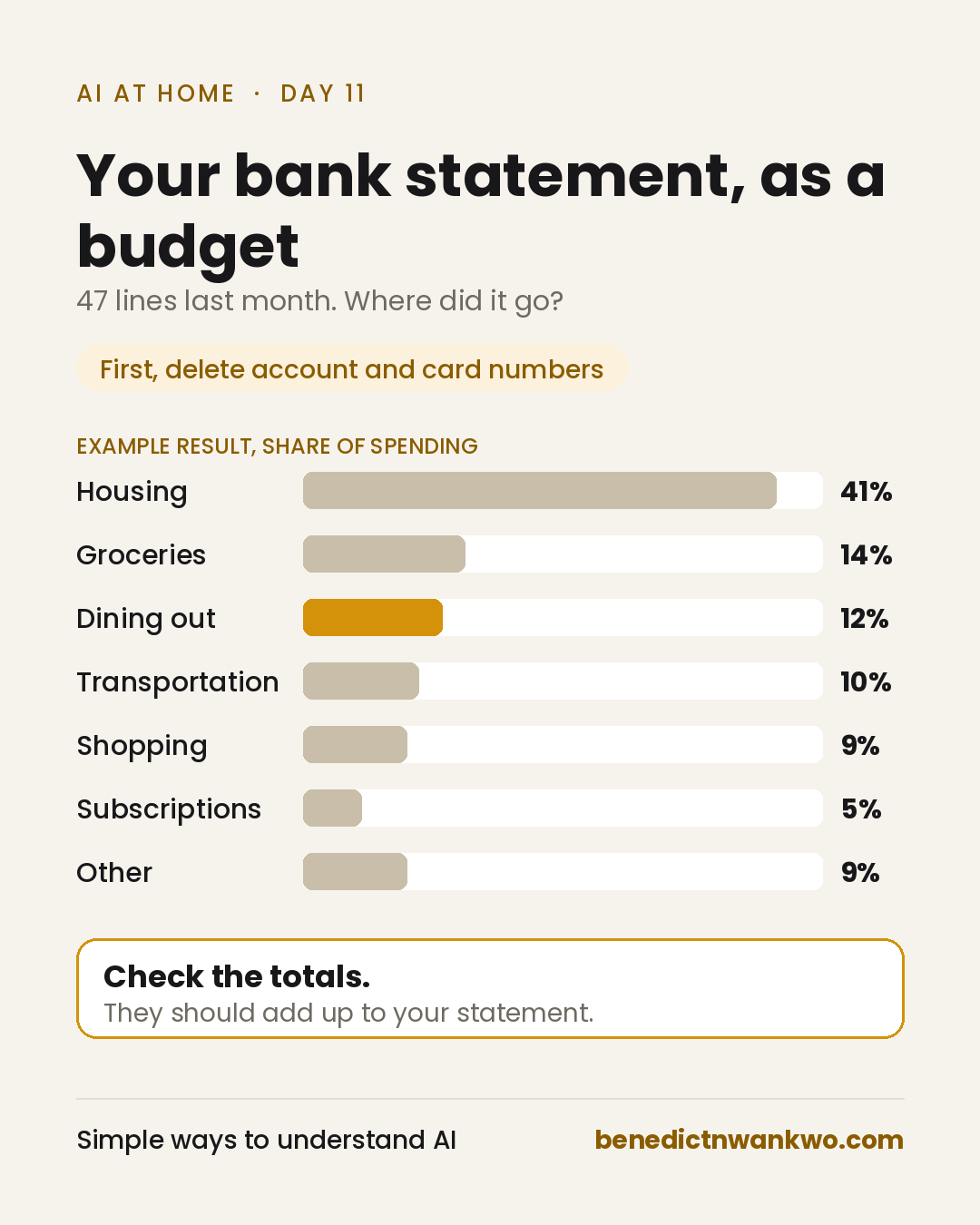
Check the math
AI can make arithmetic mistakes. Before you trust the result, check that its category totals add up to the total on your statement. If they don’t match, ask it to list the purchases in each category so you can find the gap.
One privacy rule first
Open the file before you upload it. Delete your account number and card number, along with any line that shows your name or address. AI needs the descriptions and amounts. It doesn’t need to know who you are.
You can also use a private chat. ChatGPT calls this a temporary chat, and Claude calls it an incognito chat. Neither one is saved to your chat history. Even so, both companies may keep a copy for about 30 days, for safety reasons. Never paste your banking login into any AI tool.
Try it this month
Here are my transactions for [month]: [paste descriptions and amounts only]. Sort them into [your categories]. Show totals and percentages. Then tell me the three areas where I am spending more than I probably realize.
What spending category do you think would surprise you most?
Yesterday was two options, one decision (opens in a new tab). Day 12: a firm, polite letter to your landlord (opens in a new tab).
The 47-line statement is a constructed scenario. How this was made: AI helped in formatting. See the AI use and editorial policy (opens in a new tab).