There is a message sitting in your drafts right now. It might be the thank-you to whoever hosted Thanksgiving, a no to a friend who asked for a favour, or a note to your child’s teacher. You know what you want to say, but the words never feel right, so the message waits.
Let AI write the first draft
AI is good at getting you past the empty screen. Tell it the situation and the tone you want, and it gives you a first draft in seconds. Then you edit that draft until it sounds like you.
Say you need to turn down an invitation you can’t afford. You might type:
Help me write a short, kind message to a friend. I can’t make it to their event and I don’t want to explain why. Keep it warm, two or three sentences.
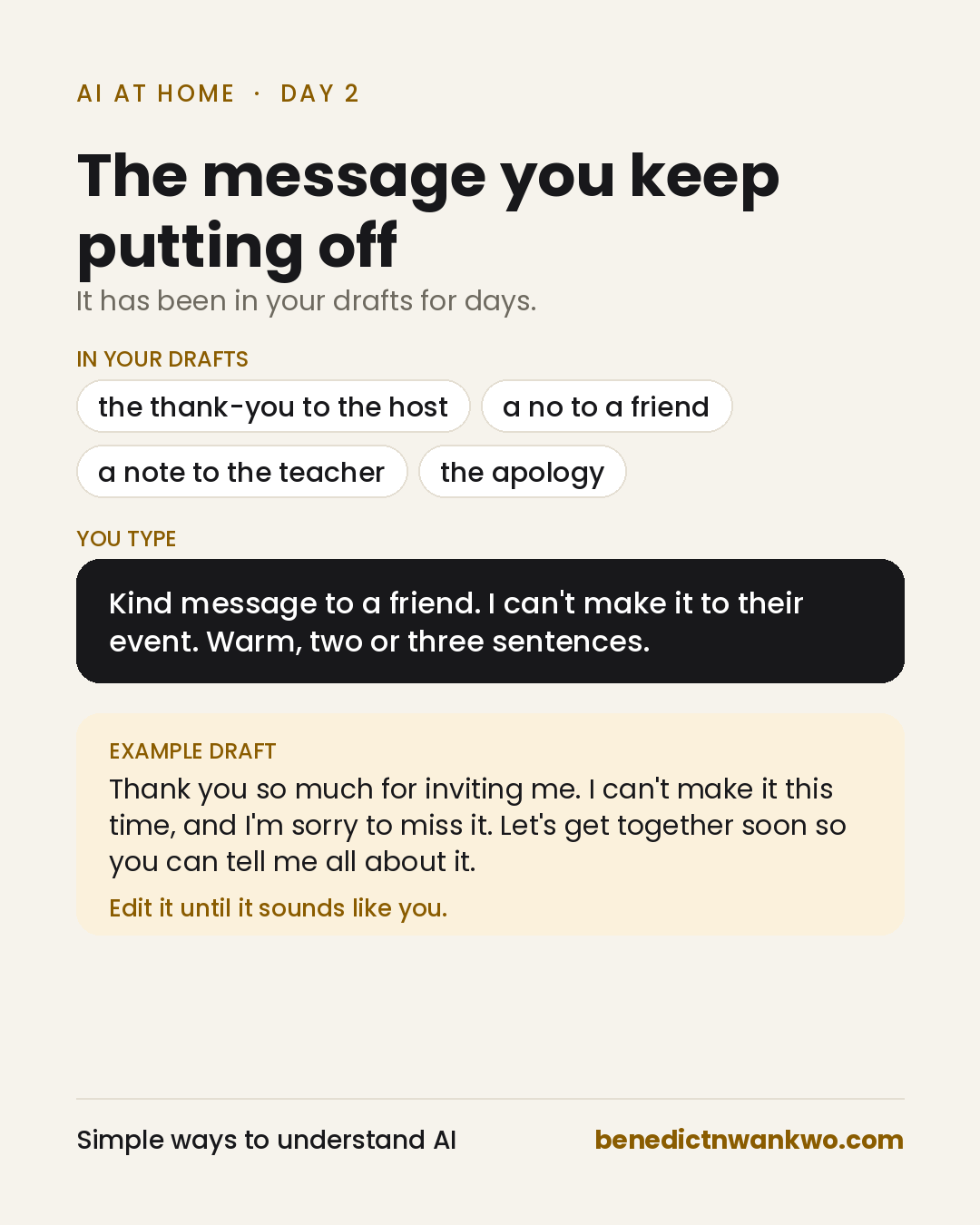
The draft won’t sound quite like you yet. Change a few words, add one detail only you would know, and send it. A message that sat for days takes five minutes.
What stays with you
AI gives you the words. Whether they are true, and whether to send them, is still your call. Leave real names and private details out of your prompt; AI doesn’t need them to find the right tone.
Try it tonight
Fill in this prompt with the message you have been avoiding:
Help me write a [text, email or card] to my [friend, landlord, neighbour or child’s teacher]. What happened: [one sentence]. I want it to sound [warm, firm, sorry or professional]. Keep it to [two sentences or one short paragraph].
The tone words matter most. If the draft feels stiff, ask for it to sound like a text to a friend. If it feels blunt, ask it to soften the message without losing the point.
What is the message you have been putting off?
Yesterday was dinner from what you have (opens in a new tab). Day 3: the question your child asks that you can’t answer in simple words (opens in a new tab).
The invitation example is a constructed scenario. How this was made: AI helped in formatting. See the AI use and editorial policy (opens in a new tab).